Portfolio Grant Market
Find a grant, take the course, get the certificate
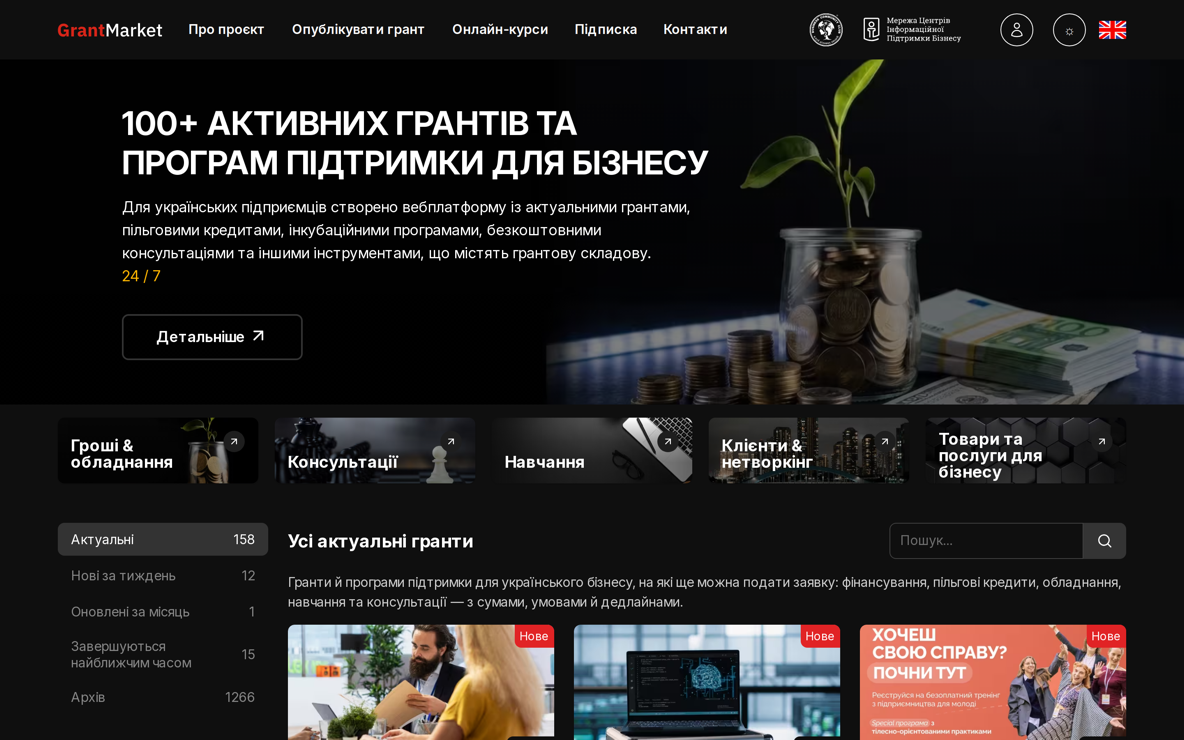
A public platform where entrepreneurs find current grants, competitions and support programmes by a dozen criteria, and take training courses with video, tests and a personal certificate in the same place.
Project
Grant Market
- Client
- A public platform for entrepreneurs Grants, competitions and support programmes, plus online training.
- System
- Opportunity catalogue, user account and e-learning A catalogue with flexible filtering, an account for users and their organisations, and a full distance-learning module.
- Our part
- Domain analysis, data structure and learning module design, UX/UI, front end and back end Also the video pipeline, printed certificates, SEO, testing and roll-out.
- Stack
-
- PHP
- Laravel
- Filament
- Livewire
- eEgnith 8
- MariaDB
- Site
- Bilingual, responsive, built for mobile traffic On eEgnith 8, so the editors run content, menus, banners, translations and SEO themselves.
The task
Content that expires, and courses that have to prove a result
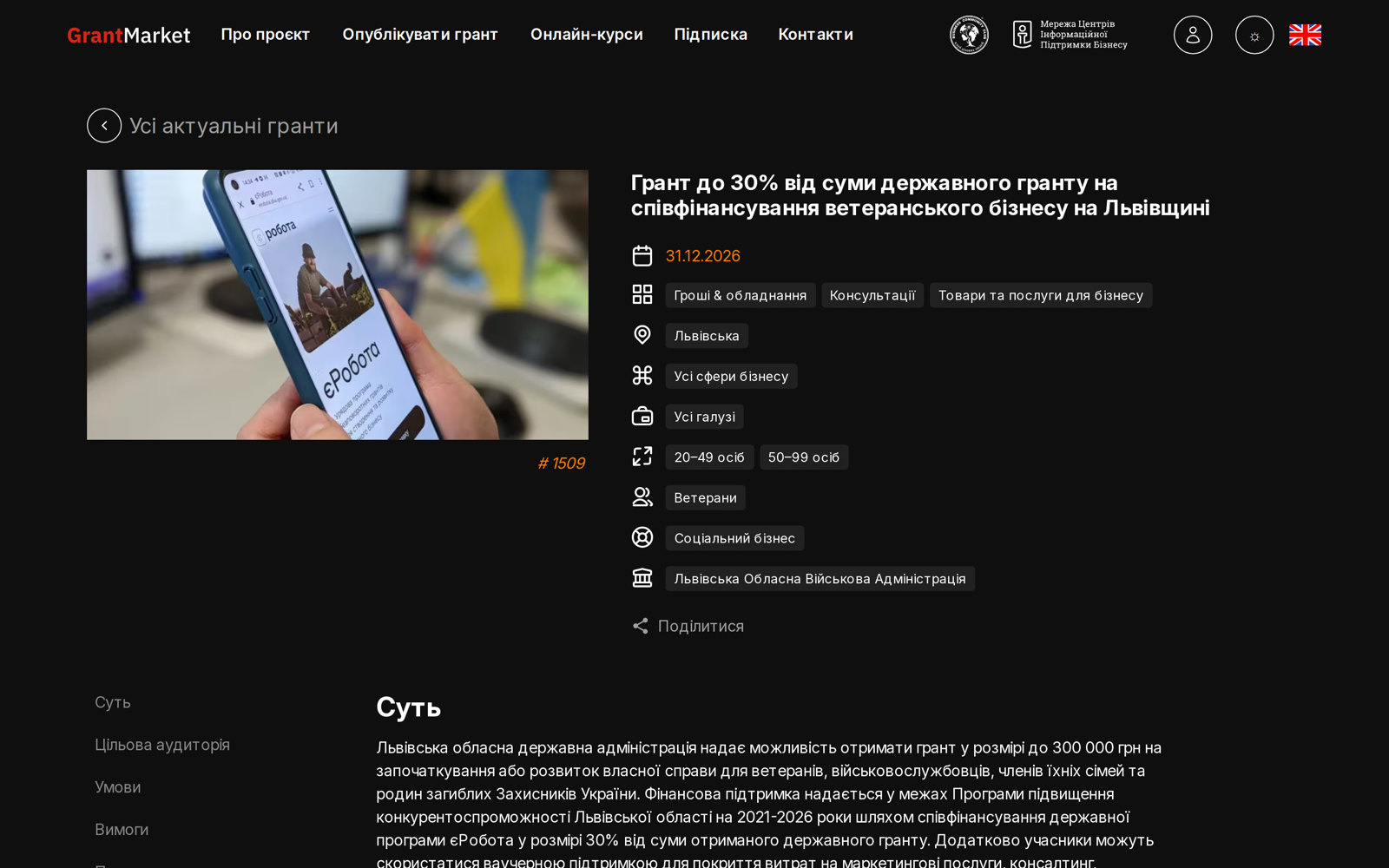
Grants and support programmes go out of date fast. Each opportunity has a start date, an application deadline and sometimes several intake stages.
Current first, archive on hand
Users should see what’s open first, what closes soon separately, and still reach the archive of finished programmes.
More than a dozen criteria
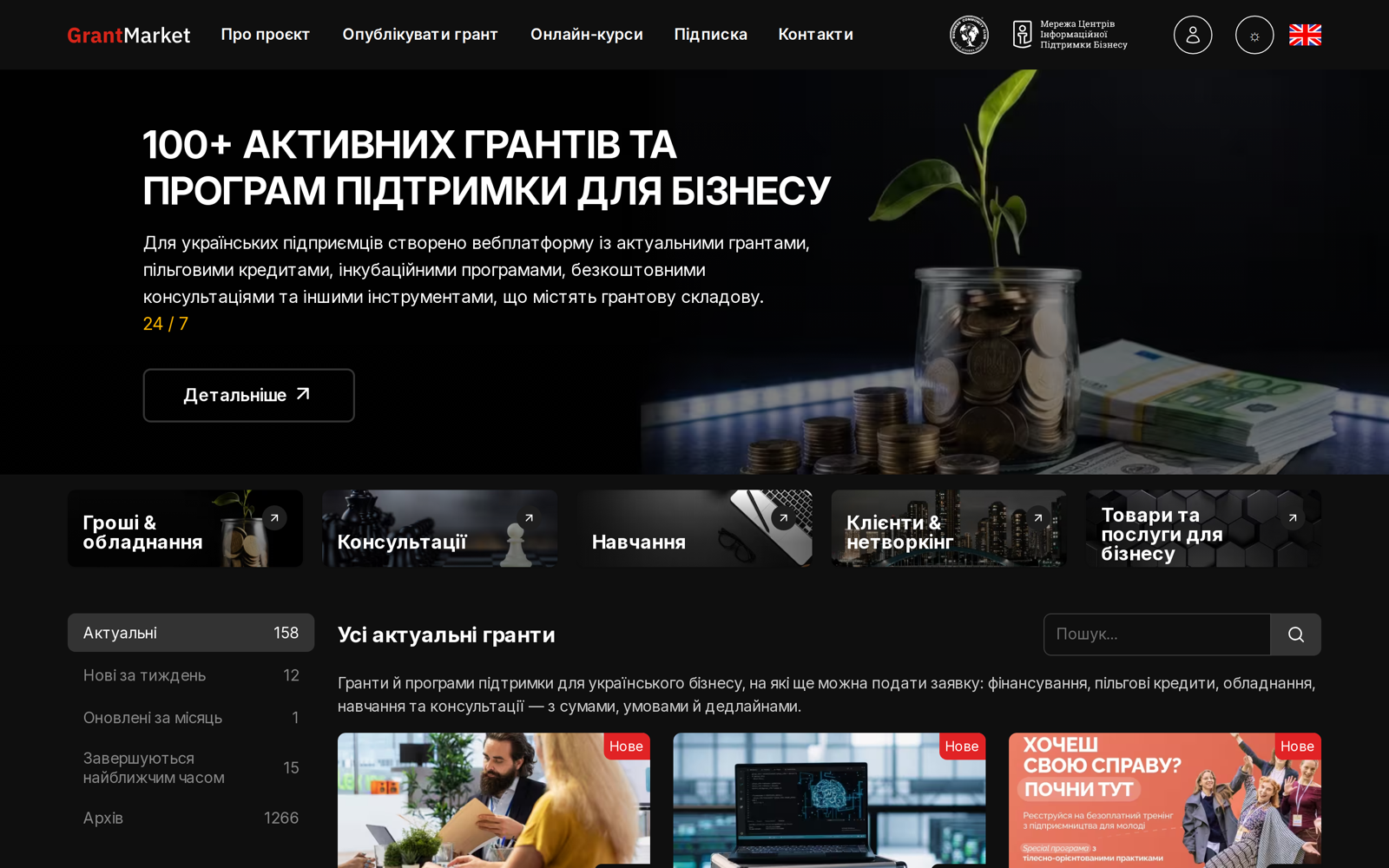
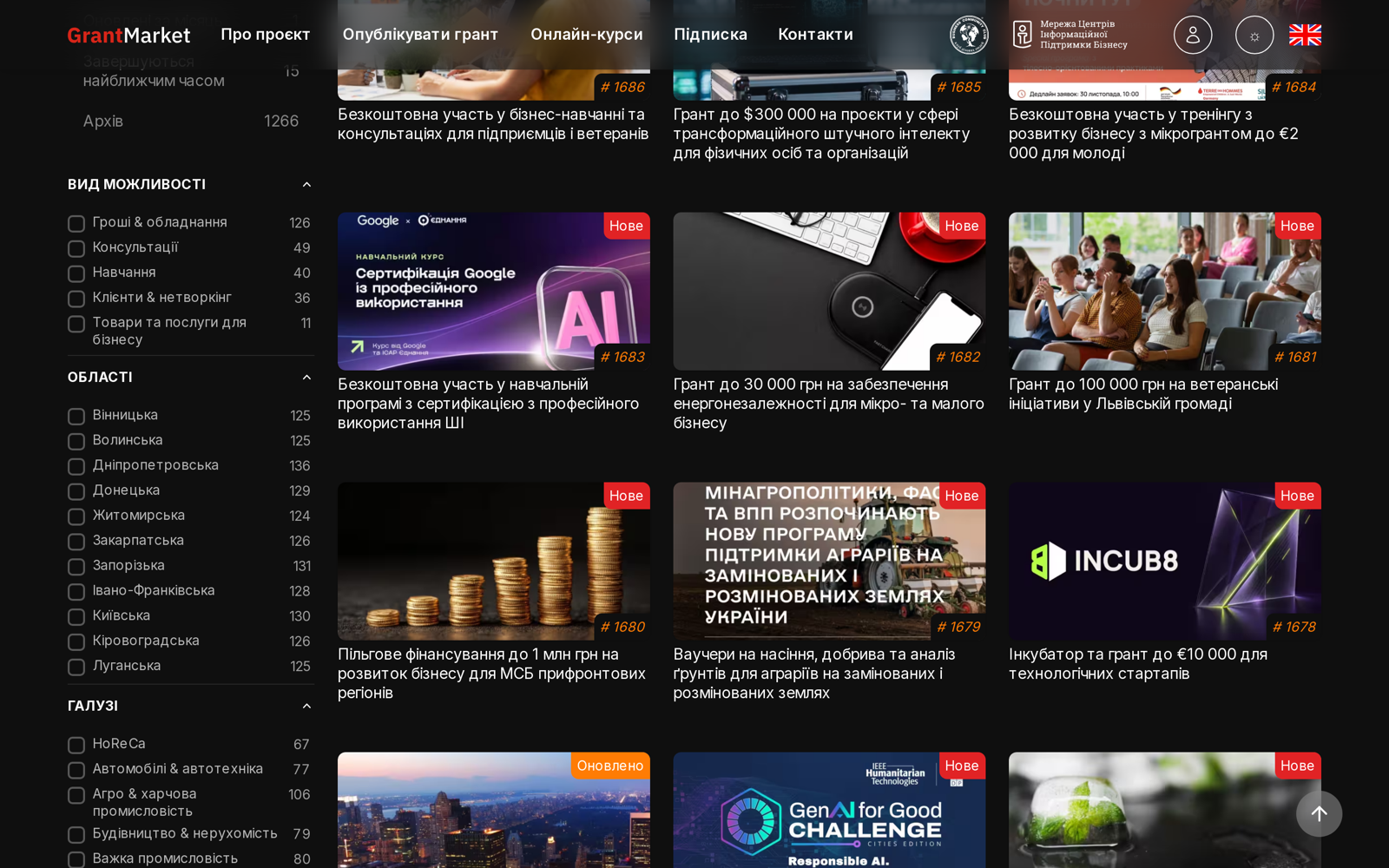
Opportunity type, region, business area, industry, company size, social group, organiser and more. The filter had to be fast, kept in the page address, shareable as a link and indexable by search engines.
A complete course
Lessons in a set order, materials of different types, tests after lessons, a final exam and a personal certificate. Video had to be protected from direct download and play smoothly on any device, even over a slow connection.
Editors on their own
Content, section structure, filter dictionaries, translations, banners, SEO settings and site maintenance, all without developers.
Solution
A catalogue, a course engine and a CMS
Shareable filters, tabs set by date
Selected criteria show as tags you remove with one click, and the filter set is kept in the page address in a readable form, so the link can be shared and is indexed correctly. Dates set each opportunity’s state, so the Open, New, Closing soon and Archive tabs fill automatically.
Course, lesson, material
A material is a video, a text block or a PDF. Uploaded video is transcoded into two qualities with a poster by a separate background worker, so a long conversion never slows the site, and the administrator sees progress right in the materials table.
Video only for those with access
Video is served only to a signed-in user with access to the course, and only for an unlocked lesson. The player records the position: a material counts as done after 90% of its length, and rewinding never resets progress already made.
Tests frozen at the start
Lesson tests and the final exam share one engine. Questions and answers are snapshotted when an attempt starts, so later edits never rewrite past attempts. Each test has a pass mark and an attempt limit; passing everything issues a certificate with a unique number as a PDF on the course’s letterhead.
Prerequisites and individual access
A course can require others first, and access is granted per user and can expire. In their account, users edit their profile and contacts, keep their organisations’ details and see the courses open to them.
Managed in eEgnith 8
A content tree with scheduled publishing, dictionaries, menus, banners, a media library, redirects, interface translations, a user activity log, visit statistics, a generated sitemap and files for AI agents, and a maintenance page where editors start routine jobs with a button.
Screens
Inside the platform
Capabilities
What the platform does
01 · 5
Opportunity catalogue
- Catalogue with a faceted filter over a dozen criteria
- Filters kept in the page address and indexable
- Automatic collections: open, new, closing soon and archive
- Several application periods for one opportunity
- Promo blocks and themed collections
02 · 6
Learning
- Course catalogue structured as course, lesson and material
- Three material types: video, text block and PDF
- Video transcoded automatically into two qualities with a poster
- Protected video, served only to users with access
- Viewing position saved and materials credited automatically
- Lessons unlocked in sequence
03 · 6
Tests, certificates, users
- Lesson tests and a final exam with a pass mark and attempt limit
- Questions snapshotted when an attempt starts
- Numbered certificate issued as a PDF on the course letterhead
- Prerequisite courses and individual access with an expiry date
- Personal account with profile, contacts and organisations
- Registration with email confirmation
04 · 5
Platform
- Content, menus, banners and dictionaries managed in the admin panel
- Bilingual interface and content
- SEO settings, structured data, sitemap, redirects and robots.txt
- User activity log and visit statistics
- Responsive interface tuned for speed on mobile
Result
Find a programme in a few clicks, finish a course with a certificate
An entrepreneur finds a relevant support programme in a few clicks, then takes a course and gets a certificate on the same platform.
The faceted catalogue replaced scrolling through long lists, date-based collections ended the manual sorting of current and archived programmes, and the learning module runs courses fully online, from video upload to certificate.
Because the platform is built on eEgnith 8, our own CMS, the editors manage the content, the site structure and its maintenance themselves.